
Did you know...
You can look up your vouchers and usage in your order history?
To do this, follow these three steps:
1

2
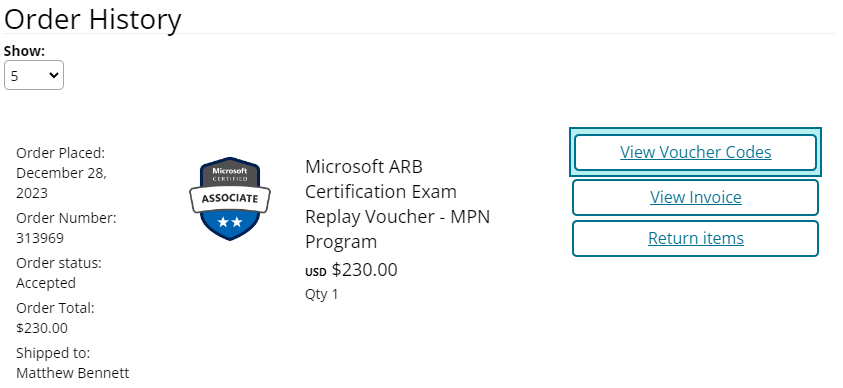
3
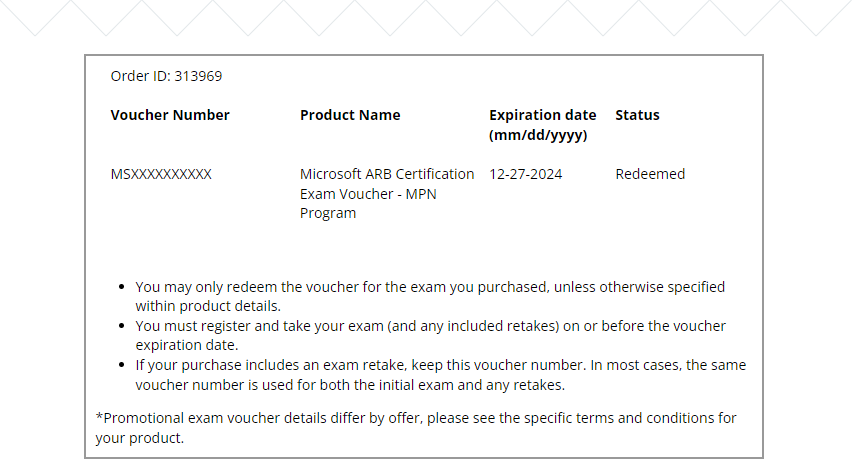
- If you do not see the link please note it takes up to 1 business day after voucher fulfillment via email to see these.
- A status of "Redeemed" indicates the voucher was used to take an exam or with an exam appointment that has passed.
- If "Expired" they have been fully expired.
- More advanced voucher management is coming in 2024!
